Tech·THE EXPLAINERニュースを理解する
Herdr launches native desktop app for terminals, coding agentsHerdr、ターミナル管理の新アプリ公開
Herdr released a native desktop app that organizes terminals and coding agents into spaces, tabs and panes, with installers for Linux, macOS and Windows.Herdrはターミナルとコーディングエージェントを整理するネイティブデスクトップアプリをリリースし、Linux・macOS・Windows向けのインストーラーを提供した。
THE SOURCE TRAIL情報の根拠
Based on linked publications. No first-party document or classified news organization is linked in this record.掲載元の記事をもとにしています。この記録には当事者・公的資料や、分類済みの報道機関へのリンクがありません。
Claims checked against source text主張と原典の照合記録(英語)
An automated review linked these claims to supplied source text. This is not a human fact-check or independent verification of the source.自動点検が、記事の主張と入力した原典本文を対応づけた記録です。人による事実確認や、原典自体の正しさを独立して検証した結果ではありません。
Herdr is a desktop app for terminals and coding agents, organizing work into spaces, tabs and panes
github.com ↗Install methods: shell script for Linux/macOS (Apple Silicon builds; Intel Mac needs source build), PowerShell script for Windows 10 1803+, and herdr-core installed automatically if missing
github.com ↗Remote work/terminals keep running after closing local window or laptop sleep, as long as remote machine and core stay up
github.com ↗
Reviewed: 照合日時:
What happened何が起きたか
Herdr is a desktop app for managing terminals and coding agents, organizing work into 'spaces' with tabs and panes. It installs via a shell script on Linux and macOS (Apple Silicon builds provided, Intel Macs must build from source) or a PowerShell script on Windows 10 1803 or newer, and also installs a required companion component called herdr-core if missing.Herdrはターミナルとコーディングエージェントを管理するデスクトップアプリで、作業を「スペース」として整理し、タブやペインに分割できる。LinuxとmacOS(Apple Siliconビルド提供、Intel Macはソースからビルド)はシェルスクリプトで、Windows 10 1803以降はPowerShellスクリプトでインストールでき、必要なコンポーネントherdr-coreが未導入の場合は自動的に導入される。
Why it matters何が変わるのか
Users running multiple coding agents or remote terminal sessions can track which agents are working, blocked or done from one sidebar, and leave terminals running on a machine even after closing the local window or putting a laptop to sleep.複数のコーディングエージェントやリモートターミナルセッションを扱うユーザーは、サイドバーからエージェントの状態(作業中・待機中・完了など)を一目で確認でき、ローカルウィンドウを閉じたりノートPCをスリープさせたりしても、リモートマシン側でターミナルを動かし続けられる。
A little context · terms in this story理解の手がかり · この記事の用語
- AI agent
- Software that uses an AI model and tools to carry out steps toward a task. How independently it can act depends on the product and the permissions you give it.AIモデルとツールを使い、目的に向けて複数の手順を実行するソフトウェア。自律的に動ける範囲は製品や与える権限によって異なります。
Read the sources原典を読む
The marked texts informed this summary. Other links provide related coverage; a link is not independent verification.印のある記事本文を要約の材料にしています。ほかは関連情報です。リンクの数は独立した裏付けの数を意味しません。
More in TechTechのほかの記事
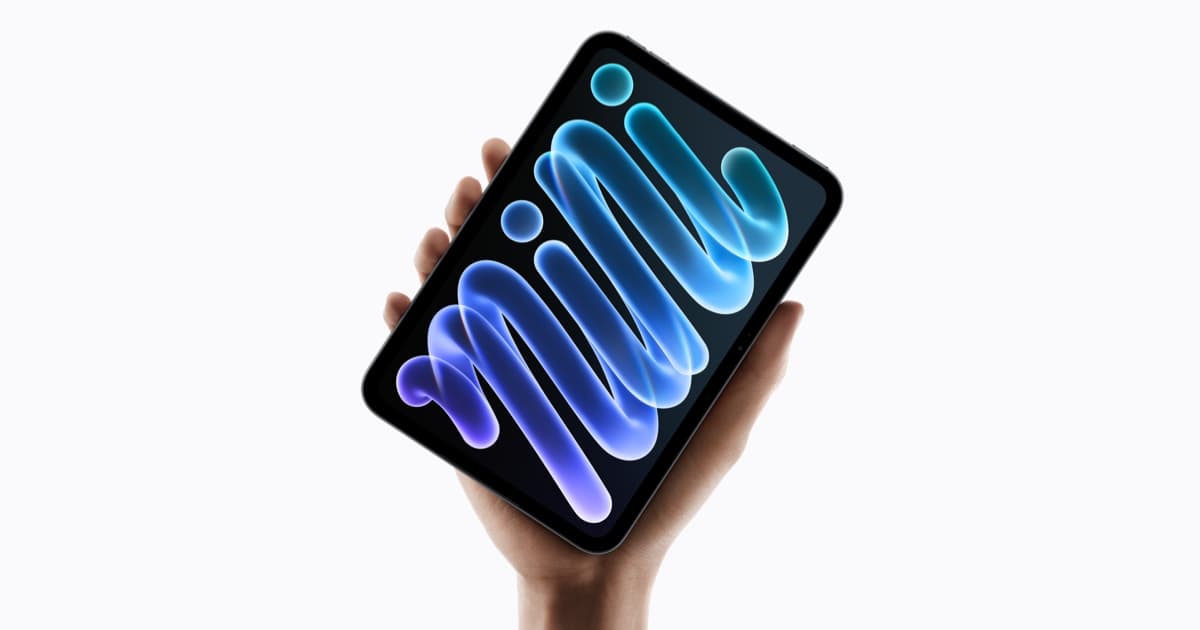
Apple announcement image, 2026-10 · Official press materialAppleの発表画像、2026-10 · 公式報道素材 · Apple
Apple unveils redesigned iPad mini with OLED display, A20 ProApple、新型iPad miniを発表 OLED搭載
43 linked sites関連43サイト
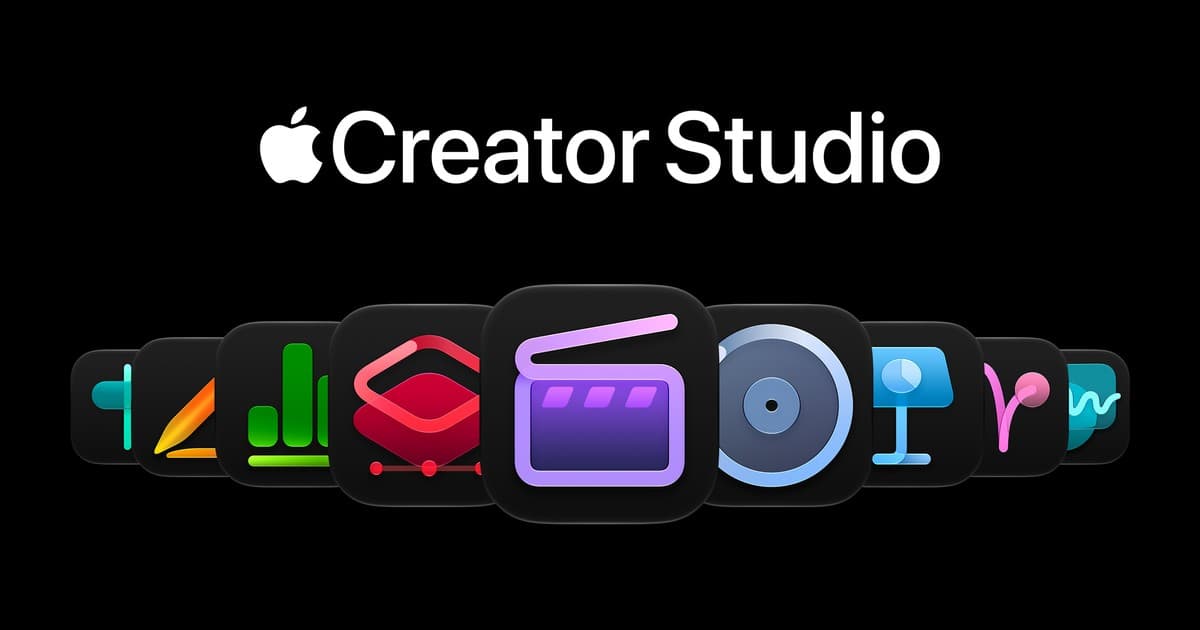
Apple announcement image, 2026-10 · Official press materialAppleの発表画像、2026-10 · 公式報道素材 · Apple
Apple adds AI assistants and MCP support to iWork appsApple、iWorkにAIアシスタントとMCP対応
10 linked sites関連10サイト
iOS 27.2 expands Siri AI beta and adds iPhone Duo Pencil supportiOS 27.2でSiri AIベータ拡大、Duoペンシル対応
28 linked sites関連28サイト